Can Someone See If You Screenshot Instagram Story?
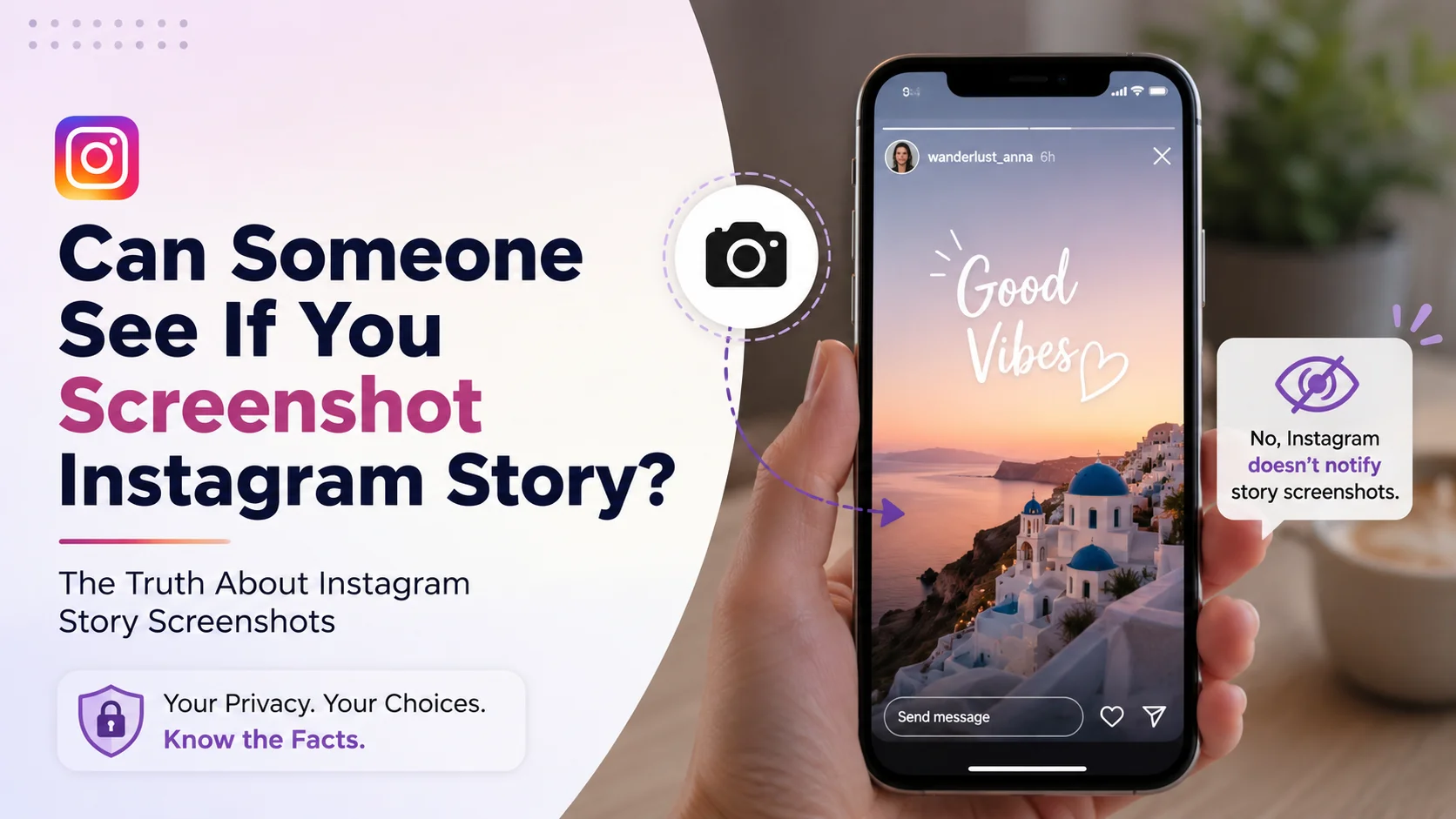
Instagram Stories have become one of the most widely used social media features in the world. Millions of users share temporary photos, videos, polls, personal updates, travel memories, product promotions, and behind-the-scenes content every day. Since stories disappear after 24 hours, many users often wonder whether taking a screenshot of someone’s Instagram Story sends a notification to the creator.
The question “Can someone see if you screenshot Instagram Story?” has become increasingly important as privacy awareness continues to grow on social media platforms. People want to know whether their actions remain private when capturing story content for personal reference, inspiration, entertainment, or business purposes.
Instagram has introduced multiple privacy-related features over the years, including disappearing messages, screenshot notifications for specific chats, and content protection tools. This has created confusion among users about whether screenshot notifications apply to stories as well.
In this comprehensive guide, we will explain how Instagram story screenshots work, whether Instagram notifies users, how privacy systems function, common misconceptions, best practices, real-world examples, performance insights, and much more. This article is designed for casual users, creators, businesses, influencers, marketers, and anyone interested in understanding Instagram privacy features.
What Is “Can Someone See If You Screenshot Instagram Story?”
The phrase “Can someone see if you screenshot Instagram Story?” refers to whether Instagram alerts or notifies a story creator when another user captures their story using a screenshot or screen recording feature.
A screenshot is a static image capture taken directly from a device screen, while screen recording captures moving video content displayed on the device. Many Instagram users take screenshots for different reasons, including:
-
Saving inspirational quotes
-
Preserving important information
-
Capturing product recommendations
-
Keeping memories
-
Sharing references with friends
-
Storing educational content
As of current Instagram functionality, Instagram does not notify users when someone screenshots their standard story posts. This means story creators cannot see who captured screenshots of their stories.
However, confusion exists because Instagram does send screenshot notifications in certain other situations, such as disappearing photos or videos sent through direct messages using vanish mode or one-time view media.
Understanding these distinctions is important because many users incorrectly assume all Instagram content includes screenshot detection.
Why “Can Someone See If You Screenshot Instagram Story?” Matters
This topic matters because privacy and digital transparency have become central concerns for modern social media users. People want to understand what information platforms share about their online activity and interactions.
For casual users, knowing whether screenshots are visible affects how they interact with content. Some users may hesitate to save useful information if they fear appearing intrusive or violating privacy boundaries.
For influencers, creators, and businesses, understanding screenshot behavior provides insights into audience engagement. Although Instagram Stories do not display screenshot notifications, screenshots can still indicate high-interest content because users often save valuable or memorable posts.
This issue also matters because misinformation spreads rapidly online. Many articles, videos, and social media discussions incorrectly claim Instagram notifies story screenshots. Clarifying accurate platform behavior helps users avoid unnecessary confusion.
Privacy Awareness in Social Media
Privacy concerns have grown significantly due to increasing awareness about:
-
Data tracking
-
Social monitoring
-
Digital consent
-
Online safety
-
Screenshot culture
-
Content ownership
Instagram users now pay closer attention to how platforms manage content interactions and notifications.
How Instagram Story Screenshot Notifications Work
Instagram currently does not send screenshot notifications for regular story posts. Users can screenshot public or private stories they can access without triggering alerts to the creator.
However, Instagram has experimented with screenshot notifications in the past. In 2018, the platform briefly tested a feature that alerted users when someone screenshotted their stories. Due to negative feedback and privacy concerns, Instagram discontinued the test.
Situations Where Instagram Does Notify Screenshots
Instagram does send screenshot notifications in limited situations involving disappearing direct messages.
These include:
|
Content Type |
Screenshot Notification |
|
Standard Instagram Story |
No |
|
Feed Posts |
No |
|
Reels |
No |
|
Profile Photos |
No |
|
One-Time View Photos in DM |
Yes |
|
Vanish Mode Messages |
Yes |
|
Disappearing Videos in DM |
Yes |
This distinction is extremely important because many users confuse story screenshots with disappearing direct message screenshots.
Screen Recording Behavior
Instagram also does not notify standard story screen recordings. Users can record stories without sending alerts to creators.
However, disappearing media in direct messages may trigger notifications for both screenshots and screen recordings.
Key Features of Instagram Story Privacy
Instagram Stories include several privacy and engagement features that shape how users interact with content. Understanding these features helps users navigate the platform more confidently.
Viewer Lists
Story creators can see who viewed their stories within the 24-hour story period.
Close Friends Stories
Users can limit story visibility to selected followers through the Close Friends feature.
Story Privacy Controls
Instagram allows users to:
-
Hide stories from specific users
-
Restrict replies
-
Limit sharing
-
Control mentions
Story Highlights
Stories can be permanently saved to profile highlights.
Screenshot Freedom
Instagram currently allows users to screenshot standard stories privately without alerts.
Benefits and Advantages of Instagram’s Screenshot Policy
Instagram’s decision not to notify story screenshots provides several advantages for users, creators, and businesses.
Easier Information Saving
Users can save useful information without worrying about social awkwardness or notification alerts.
Improved Content Sharing
Educational creators, marketers, and businesses benefit because followers can save content for future reference.
Better User Experience
Reducing excessive notifications keeps the platform simpler and less stressful.
Increased Content Reach
When users screenshot valuable stories, creators indirectly increase brand exposure and audience retention.
More Comfortable Browsing
Users feel more relaxed interacting with stories when they know screenshots remain private.
Real-World Example
Imagine a travel creator posting a detailed itinerary for visiting Tokyo. A follower wants to save restaurant recommendations and transportation tips for future travel planning.
The follower takes screenshots of the story slides. Instagram does not notify the creator, and the screenshots remain private.
Similarly, a business account may post a limited-time discount code through stories. Customers often screenshot promotional content to access it later before expiration.
Another example involves educational creators sharing productivity tips, fitness routines, or study schedules. Followers frequently screenshot these stories for personal reference and organization.
These real-world situations demonstrate why screenshot functionality remains important for modern Instagram usage.
Recommended Usage Guidelines
Although Instagram does not notify standard story screenshots, users should still follow ethical and respectful social media practices.
Respect Content Ownership
Avoid reposting someone else’s story screenshots publicly without permission.
Use Screenshots Responsibly
Screenshots should primarily serve personal reference, education, or inspiration purposes.
Avoid Privacy Violations
Do not misuse screenshots for harassment, manipulation, or harmful behavior.
Ask Permission for Republishing
If you plan to repost screenshots publicly, request creator consent whenever possible.
Protect Sensitive Information
Be cautious when screenshotting stories containing personal or confidential details.
Common Mistakes to Avoid
Many Instagram users misunderstand screenshot policies or spread inaccurate information. Avoiding common mistakes improves platform awareness and digital etiquette.
Believing All Screenshots Trigger Notifications
Instagram only notifies disappearing media screenshots in direct messages.
Confusing Stories With Vanish Mode
Vanish mode and disappearing media operate differently from standard stories.
Sharing Private Screenshots Publicly
Public reposting without permission may damage trust or violate privacy expectations.
Assuming Screenshot Apps Are Necessary
Third-party screenshot apps are usually unnecessary because Instagram does not notify standard story screenshots.
Ignoring Ethical Boundaries
Even when screenshots are private, ethical considerations still matter.
Who Should Use This Knowledge?
Understanding Instagram screenshot behavior benefits many different user groups.
Casual Instagram Users
Regular users can browse stories more confidently and understand platform privacy.
Content Creators
Creators gain awareness about audience content-saving behavior.
Businesses
Brands can design more screenshot-worthy promotional stories.
Educators
Educational creators can optimize informational stories for easy saving.
Influencers
Influencers benefit from understanding audience interaction psychology.
Social Media Managers
Marketing professionals need accurate platform knowledge for strategic planning.
Step-by-Step Guide to Taking Instagram Story Screenshots
Taking screenshots of Instagram Stories is simple, but users should understand platform behavior and privacy considerations.
Step 1: Open Instagram Story
View the story you want to save.
Step 2: Capture Screenshot
Use your device’s screenshot shortcut.
Examples:
|
Device Type |
Screenshot Method |
|
iPhone |
Power + Volume Up |
|
Android |
Power + Volume Down |
|
Tablet |
Device-specific shortcut |
Step 3: Save or Organize Screenshot
Store screenshots in organized folders if needed.
Step 4: Respect Privacy
Use screenshots responsibly and ethically.
Step 5: Avoid Unauthorized Republishing
Always seek permission before reposting screenshots publicly.
Long-Tail Keyword Applications
Long-tail keywords help improve search engine visibility while matching user intent more accurately.
Examples include:
|
Long-Tail Keyword |
Search Intent |
|
does Instagram notify story screenshots |
Privacy clarification |
|
can people see screenshots on Instagram stories |
User concern |
|
screenshot Instagram story notification guide |
Educational intent |
|
Instagram screenshot privacy explained |
Information search |
|
can creators see story screenshots |
Creator awareness |
These keywords naturally align with real-world user searches and SEO optimization strategies.
Data Analysis and Performance Insights
Instagram Stories remain one of the platform’s most heavily used features, making screenshot behavior highly relevant for creators and marketers.
Instagram Story Usage Statistics
|
Metric |
Estimated Data |
|
Daily Instagram Story users |
Hundreds of millions |
|
Average story completion rate |
Moderate to High |
|
Screenshot-heavy niches |
Travel, education, fashion |
|
Most saved story types |
Tutorials & promotions |
|
Common screenshot purpose |
Information retention |
Graph-Style Story Interaction Table
|
Interaction Type |
User Frequency |
Privacy Visibility |
Engagement Value |
|
Story Views |
Very High |
Visible |
Medium |
|
Story Replies |
Medium |
Visible |
High |
|
Story Reactions |
High |
Visible |
High |
|
Story Shares |
Medium |
Visible |
High |
|
Story Screenshots |
High |
Not Visible |
Very High |
Key Performance Insights
Stories that are educational, visually appealing, or time-sensitive are more likely to be screenshotted.
High-performing screenshot-worthy stories usually include:
-
Tutorials
-
Checklists
-
Recipes
-
Discounts
-
Quotes
-
Travel guides
-
Productivity systems
Comparison Table
Instagram’s screenshot notification behavior varies depending on content type.
|
Instagram Feature |
Screenshot Notification |
User Visibility |
|
Standard Stories |
No |
Private |
|
Feed Posts |
No |
Private |
|
Reels |
No |
Private |
|
Profile Pages |
No |
Private |
|
Vanish Mode |
Yes |
Visible |
|
Disappearing DM Media |
Yes |
Visible |
Conclusion
The question “Can someone see if you screenshot Instagram Story?” continues to generate widespread curiosity because privacy awareness is increasingly important in social media culture. Fortunately for most users, Instagram currently does not notify creators when standard stories are screenshotted or screen recorded.
Understanding this distinction helps users navigate the platform more confidently while avoiding misinformation. However, users should also recognize that Instagram does notify screenshots involving disappearing direct messages and vanish mode content.
As Instagram evolves, privacy policies and platform features may continue changing. Staying informed about official Instagram functionality helps users maintain responsible, ethical, and informed social media behavior.
Whether you are a casual user, content creator, business owner, marketer, or influencer, understanding Instagram screenshot policies allows for smarter digital communication and better platform awareness.
Strong Call-to-Action
Want to stay updated on the latest Instagram privacy features, creator tools, and social media strategies?
Keep learning about Instagram’s evolving platform features so you can browse smarter, protect your privacy, and use social media more effectively. Save this guide and share it with friends who still wonder whether Instagram story screenshots send notifications.









