How to Schedule Instagram Posts Effectively
Instagram has evolved from a simple photo-sharing platform into one of the world’s most powerful social media marketing channels. Businesses, influencers, creators, eCommerce brands, and digital marketers now rely heavily on Instagram to connect with audiences, drive engagement, and increase sales. However, maintaining consistent posting schedules manually can be time-consuming and inefficient. This is where Instagram post scheduling becomes extremely valuable.
Learning how to schedule Instagram posts allows users to automate content publishing, improve consistency, optimize posting times, and maintain a professional social media presence. Whether you are managing a personal brand, growing a startup, or handling multiple client accounts, scheduling posts helps streamline your entire content strategy.
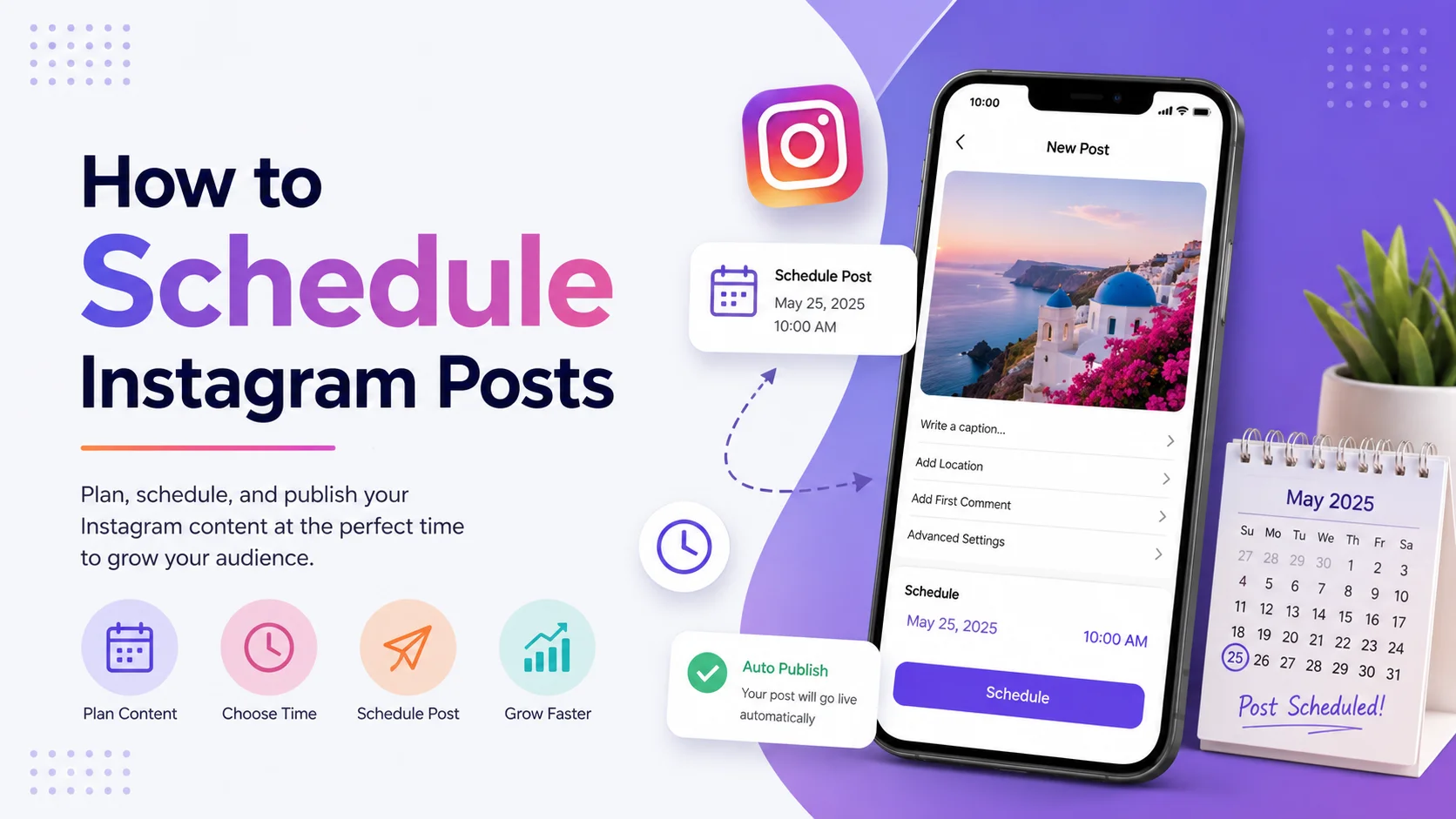
This comprehensive guide explains everything you need to know about Instagram scheduling, including how it works, why it matters, key features, best practices, common mistakes, step-by-step setup instructions, SEO-focused keyword applications, analytics insights, and expert recommendations. By the end of this article, you will understand how to schedule Instagram posts effectively for maximum engagement and growth.
What Is Instagram Post Scheduling?
Instagram post scheduling refers to the process of planning and automatically publishing content on Instagram at a future date and time. Instead of posting manually every day, users can create content in advance and use scheduling tools to publish posts automatically according to a predefined schedule.
Scheduling can apply to various Instagram content formats, including:
-
Feed posts
-
Carousel posts
-
Reels
-
Stories
-
Promotional campaigns
-
Product launches
-
Event announcements
Instagram scheduling tools connect with Instagram accounts through official APIs or platform integrations. These tools allow users to organize content calendars, preview feeds, write captions, insert hashtags, and select publishing times in advance.
Modern scheduling platforms also include analytics dashboards, collaboration tools, audience insights, and engagement tracking features. Popular scheduling methods include using Instagram’s native tools or third-party social media management platforms.
As social media competition continues growing worldwide, scheduled posting has become a standard practice for businesses and creators seeking consistent audience engagement.
Why Scheduling Instagram Posts Matters
Consistency is one of the most important factors for Instagram growth. Posting irregularly often leads to lower engagement, weaker audience retention, and reduced visibility in Instagram’s algorithm. Scheduling posts helps maintain a predictable content flow that improves account performance over time.
Instagram’s algorithm favors active accounts that publish consistently and generate regular engagement. Scheduled posting ensures that content appears at optimal times, even when users are unavailable due to time zones, work schedules, or holidays.
Scheduling also improves productivity. Instead of interrupting daily tasks to post content manually, users can batch-create posts and automate publishing for days or weeks in advance.
For businesses and agencies, scheduling supports better campaign management. Marketing teams can coordinate launches, promotions, seasonal campaigns, and influencer collaborations more effectively.
Another major advantage is audience targeting. Analytics tools help determine the best posting times based on follower activity. Scheduling allows users to publish content when their audience is most active, increasing reach and engagement.
Overall, Instagram scheduling plays a critical role in professional social media strategy, brand growth, and efficient content management.
How Instagram Post Scheduling Works
Instagram scheduling tools work by integrating with Instagram’s platform through authorized APIs or business account connections. Once connected, users can upload content, prepare captions, and assign future publishing times.
Most scheduling systems operate through cloud-based dashboards or mobile applications. Users create content calendars and automate publishing workflows from a centralized interface.
Content Preparation
The process begins with preparing Instagram content, including images, videos, captions, hashtags, and links.
Scheduling Interface
Users choose the desired publication date and time using a scheduling dashboard.
Automatic Publishing
At the scheduled time, the tool publishes the content automatically to Instagram.
Push Notification Scheduling
Some tools send reminder notifications instead of publishing directly. Users receive alerts and manually complete the final publishing step.
Analytics Integration
Advanced platforms track engagement metrics such as:
-
Likes
-
Comments
-
Reach
-
Impressions
-
Saves
-
Shares
-
Click-through rates
This data helps users refine future posting strategies.
Key Features of Instagram Scheduling Tools
Modern Instagram scheduling platforms provide numerous features designed to simplify content management and maximize performance. Understanding these features helps users choose the right solution for their needs.
Content Calendar Management
Scheduling tools usually include visual calendars that help users organize content weeks or months ahead.
Automatic Publishing
Automatic publishing eliminates the need for manual posting at specific times.
Hashtag Management
Many platforms store hashtag groups for faster content optimization.
Team Collaboration
Agencies and businesses often use collaboration tools for approvals, editing, and workflow management.
Analytics and Reporting
Built-in analytics provide valuable insights into audience behavior and campaign performance.
Multi-Account Support
Users managing multiple Instagram profiles can control everything from one dashboard.
AI Caption Assistance
Some advanced tools use artificial intelligence to suggest captions, hashtags, and posting times.
Mobile Accessibility
Most scheduling platforms support both desktop and mobile usage for flexible content management.
Benefits and Advantages of Scheduling Instagram Posts
Scheduling Instagram posts offers major advantages for creators, brands, and businesses seeking efficiency and growth.
Improved Consistency
Consistent posting helps maintain audience engagement and supports long-term account growth.
Better Time Management
Users can create content in batches instead of posting daily manually.
Higher Engagement Rates
Scheduling tools help publish content when followers are most active online.
Enhanced Brand Professionalism
Regular posting creates a polished and reliable brand image.
Reduced Stress
Automation reduces pressure associated with remembering posting times.
Increased Productivity
Marketing teams can focus on strategy, design, and engagement rather than repetitive publishing tasks.
Global Audience Reach
Scheduling enables brands to target audiences across different time zones effectively.
Campaign Coordination
Businesses can align Instagram campaigns with product launches, events, and seasonal promotions.
Real-World Example of Instagram Post Scheduling
Imagine an eCommerce fashion brand launching a new summer clothing collection worldwide. The marketing team needs to post promotional content consistently across different regions and time zones.
Instead of manually publishing every post, the team schedules:
-
Product teaser posts
-
Countdown Stories
-
Influencer collaborations
-
Reels showcasing outfits
-
Promotional carousel ads
-
Limited-time offers
Using scheduling software, the brand publishes content automatically during peak engagement hours for different markets.
The result includes:
-
Higher engagement
-
Better audience reach
-
Improved campaign consistency
-
Increased website traffic
-
Stronger conversion rates
This example demonstrates how scheduling tools streamline complex social media campaigns while maintaining professional execution.
Recommended Usage Guidelines
Using Instagram scheduling tools effectively requires strategic planning and responsible content management.
Plan Content in Advance
Prepare weekly or monthly content calendars to maintain consistency.
Maintain Visual Consistency
Ensure your feed maintains cohesive branding, colors, and design aesthetics.
Use Analytics Data
Review audience insights regularly to optimize posting schedules.
Avoid Over-Automation
Automation should support authenticity, not replace genuine audience interaction.
Balance Promotional and Educational Content
Accounts focused only on sales may experience lower engagement.
Optimize Captions and Hashtags
Use targeted keywords and hashtags naturally to improve discoverability.
Monitor Scheduled Posts
Always review scheduled content for accuracy before publishing.
Common Mistakes to Avoid
Many users reduce Instagram performance by making avoidable scheduling mistakes.
Posting Too Frequently
Excessive posting may overwhelm followers and reduce engagement quality.
Ignoring Audience Time Zones
Publishing at the wrong times limits reach and visibility.
Using Repetitive Captions
Duplicate captions reduce originality and audience interest.
Neglecting Engagement
Scheduling posts does not replace responding to comments and messages.
Overusing Hashtags
Excessive hashtags can appear spammy and reduce readability.
Skipping Analytics Reviews
Without performance analysis, users cannot improve future strategies effectively.
Poor Content Quality
Automation cannot compensate for weak visuals or uninteresting content.
Who Should Use Instagram Scheduling Tools?
Instagram scheduling tools are beneficial for many different users and industries.
Social Media Managers
Agencies managing multiple client accounts rely heavily on scheduling automation.
Influencers and Creators
Creators maintain consistent posting schedules while focusing on content production.
Small Businesses
Businesses save time while maintaining active social media marketing campaigns.
eCommerce Brands
Online stores coordinate product launches and promotional campaigns efficiently.
Digital Marketing Teams
Marketing departments streamline campaign planning and execution.
Educational Institutions
Schools and universities use scheduled content for announcements and community engagement.
Nonprofit Organizations
Nonprofits maintain regular awareness campaigns and event promotion schedules.
Step-by-Step Guide to Scheduling Instagram Posts
Understanding the scheduling process helps users automate Instagram content effectively.
Step 1: Switch to a Professional Instagram Account
Instagram scheduling features often require:
-
Business accounts
-
Creator accounts
Step 2: Choose a Scheduling Tool
Select a trusted scheduling platform that supports Instagram integration.
Step 3: Connect Your Instagram Account
Authorize the platform to access your Instagram profile securely.
Step 4: Upload Content
Add photos, videos, carousels, or reels to the scheduling dashboard.
Step 5: Write Captions and Hashtags
Create engaging captions with relevant hashtags and keywords.
Step 6: Select Publishing Time
Choose optimal posting times based on audience analytics.
Step 7: Schedule the Post
Confirm scheduling settings and activate automatic publishing.
Step 8: Monitor Performance
Review engagement metrics after publication to improve future campaigns.
Long-Tail Keyword Applications
Long-tail keywords improve SEO performance by targeting highly specific user searches related to Instagram scheduling.
Examples include:
-
how to schedule Instagram posts automatically
-
best Instagram scheduling tools for businesses
-
how to schedule Instagram reels
-
free Instagram post scheduler online
-
Instagram scheduling for small businesses
-
schedule Instagram Stories in advance
-
Instagram content calendar planning guide
-
automatic Instagram posting software
Using these keywords naturally throughout the article improves organic search visibility and helps attract targeted traffic.
Data Analysis and Performance Insights
Instagram scheduling continues growing as brands prioritize automation, analytics, and digital marketing efficiency.
Instagram Scheduling Statistics
|
Metric |
Estimated Value |
|
Businesses Using Instagram |
200+ Million |
|
Marketers Using Scheduling Tools |
78% |
|
Engagement Increase with Consistent Posting |
32% Average |
|
Best Posting Frequency |
3–5 Posts Weekly |
|
Mobile Instagram Usage |
95%+ |
Graph-Style Performance Growth Table
|
Year |
Scheduling Tool Adoption Rate |
Estimated Growth |
|
2021 |
42% |
Baseline |
|
2022 |
55% |
+31% |
|
2023 |
68% |
+24% |
|
2024 |
79% |
+16% |
|
2025 |
88% |
+11% |
|
2026 |
94% |
Peak Adoption |
The increasing adoption of scheduling tools highlights the growing importance of automation in modern social media marketing.
Comparison Table of Instagram Scheduling Methods
Different scheduling methods offer varying levels of automation, analytics, and convenience.
|
Method |
Automation Level |
Analytics Support |
Ease of Use |
Best For |
|
Instagram Native Scheduler |
Moderate |
Basic |
Easy |
Small Creators |
|
Third-Party Scheduling Tools |
High |
Advanced |
Easy |
Businesses |
|
Manual Posting |
None |
Limited |
Time-Consuming |
Beginners |
|
Agency Management Platforms |
Very High |
Enterprise-Level |
Moderate |
Large Teams |
Conclusion
Learning how to schedule Instagram posts is essential for anyone serious about growing their online presence efficiently. Scheduling tools simplify content management, improve consistency, optimize engagement timing, and support long-term social media success.
Whether you are an influencer, small business owner, digital marketer, or global brand, Instagram scheduling can significantly improve productivity and campaign performance. However, successful scheduling requires more than automation alone. High-quality content, audience interaction, analytics monitoring, and strategic planning remain equally important.
As Instagram continues evolving, automated publishing and social media management tools will play an even larger role in digital marketing strategies worldwide.
Strong Call-to-Action
Ready to improve your Instagram strategy?
Start using Instagram scheduling tools today to save time, boost engagement, maintain consistent posting, and grow your audience more effectively. Build a smarter content workflow and take your Instagram marketing to the next level.









