Instagram Story Not Loading? Fixes That Work
Instagram Stories are one of the most used features on social media today. Millions of users share photos, videos, updates, polls, and daily moments through stories every hour. However, many users worldwide frequently experience frustrating issues where Instagram Stories stop loading, appear blank, freeze, or keep buffering endlessly.
If your Instagram Story is not loading properly, you are not alone. This problem can happen on Android devices, iPhones, tablets, or desktop browsers for several reasons, including poor internet connection, outdated apps, server issues, corrupted cache files, or account-related glitches. Fortunately, most Instagram Story loading problems can be fixed quickly with a few simple troubleshooting methods.
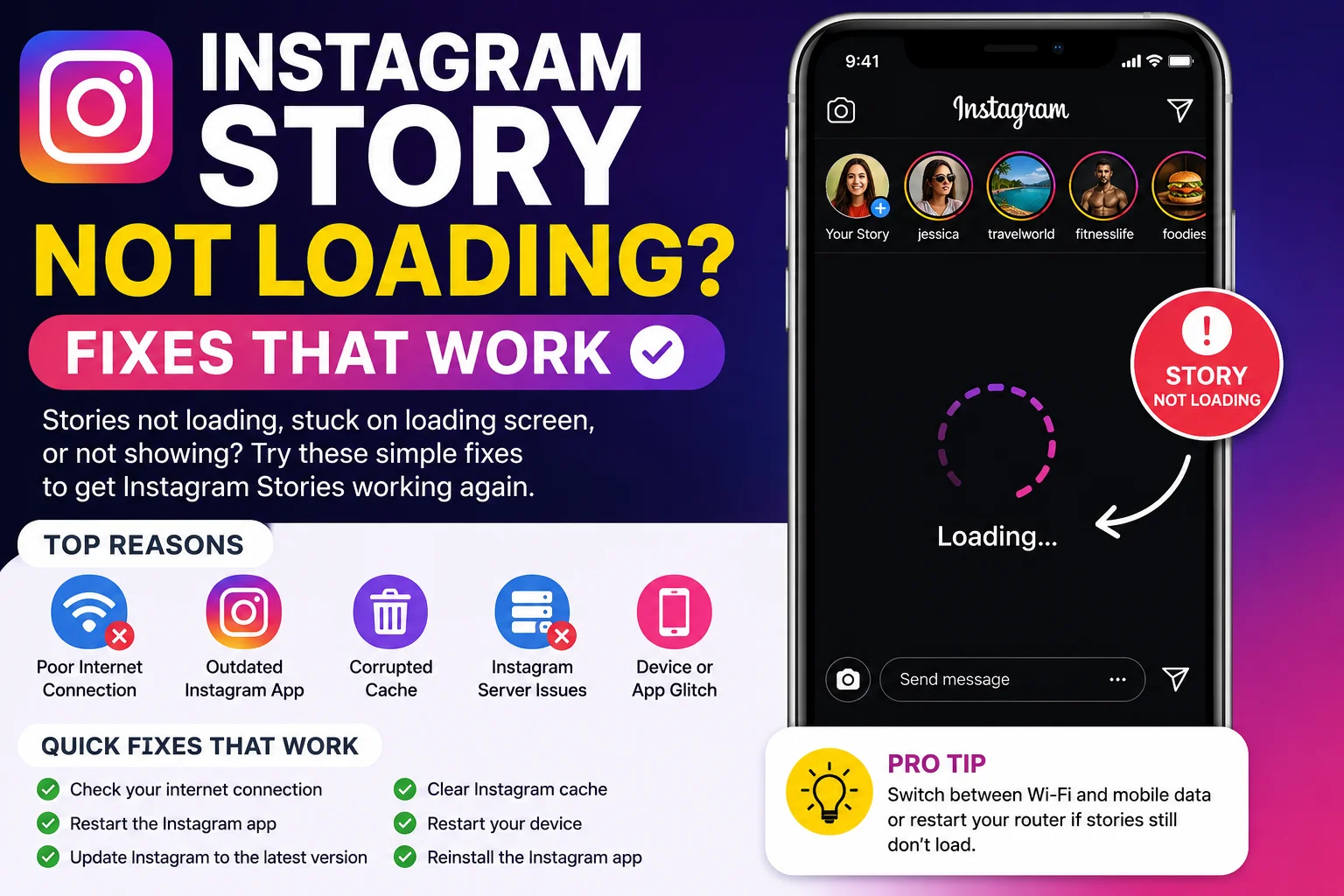
Why Instagram Stories Sometimes Stop Loading
Instagram Stories rely heavily on real-time internet connectivity and app synchronization. Unlike regular posts, stories constantly refresh and disappear within 24 hours, which means Instagram servers must continuously process and deliver new content to users around the world.
When something interrupts this process, stories may fail to load correctly. Sometimes the issue comes from the Instagram app itself, while in other cases the problem may be caused by weak internet signals, outdated software, device settings, or temporary server outages.
Some of the most common symptoms include:
-
Instagram Stories stuck loading
-
Black or blank story screen
-
Stories not refreshing
-
Instagram Story buffering continuously
-
Audio not playing in stories
-
Story thumbnails not opening
-
Instagram app freezing during stories
Understanding the root cause helps users apply the correct fix faster.
Read more- Best Instagram Story Saver Tools in 2026
Check Your Internet Connection First
A weak or unstable internet connection is one of the biggest reasons Instagram Stories fail to load properly. Since stories contain photos, videos, animations, and audio, they require consistent internet speed to function smoothly.
If your Wi-Fi signal is weak or your mobile data connection is unstable, Instagram may struggle to load stories completely. Users often notice endless loading circles or partial story playback when network quality drops.
To improve loading performance:
-
Switch between Wi-Fi and mobile data
-
Restart your internet router
-
Enable airplane mode briefly and disable it again
-
Test internet speed using other apps or websites
-
Move closer to a stronger signal area
In many cases, improving internet stability solves Instagram Story loading issues immediately.
Restart the Instagram App
Sometimes Instagram experiences temporary glitches caused by background processes or incomplete app synchronization. Restarting the app refreshes the connection between your device and Instagram servers, which often fixes story-related problems quickly.
Simply closing and reopening the app can clear minor bugs affecting stories, reels, messages, and feed updates. Many users ignore this simple step even though it is one of the fastest troubleshooting methods available.
For better results:
-
Fully close the Instagram app
-
Remove it from recent apps
-
Wait a few seconds
-
Reopen Instagram again
This small reset often restores story functionality without requiring advanced troubleshooting.
Read more: How to save instagram story in Laptop or Pc
Update Instagram to the Latest Version
Using an outdated Instagram version can cause compatibility problems and loading errors. Instagram frequently releases updates to fix bugs, improve performance, and support newer devices and operating systems.
Older versions may struggle to process stories correctly, especially after Instagram introduces new features or interface changes. Updating the app ensures better stability and reduces technical issues.
Here is a simple comparison:
| App Version | Possible Performance |
|---|---|
| Outdated Version | Story loading issues, crashes |
| Latest Version | Improved stability and fixes |
| Beta Version | Experimental features but possible bugs |
Users should regularly update Instagram through Google Play Store or Apple App Store to maintain smooth performance.
Clear Instagram Cache to Fix Story Problems
Instagram stores temporary cache files to load content faster. Over time, these files can become corrupted or overloaded, leading to issues like slow performance, story loading failures, or app crashes.
Clearing cache removes unnecessary temporary data without deleting account information or messages. Many Android users especially notice improved speed and smoother story loading after clearing Instagram cache.
To clear Instagram cache on Android:
-
Open device Settings
-
Go to Apps → Instagram
-
Select Storage
-
Tap Clear Cache
iPhone users can often achieve similar results by reinstalling the Instagram app.
Check If Instagram Servers Are Down
Sometimes the issue is not on your device at all. Instagram servers occasionally experience outages or technical problems that affect stories, reels, messages, and feed loading globally.
When servers are down, users may experience:
-
Stories not loading worldwide
-
Login failures
-
Feed refresh problems
-
Delayed message delivery
-
App crashes or freezing
You can check whether Instagram is experiencing downtime by visiting online outage trackers or checking social media discussions. If servers are temporarily down, the best solution is usually waiting until Instagram resolves the issue.
Disable VPN or Proxy Services
VPNs and proxy services can sometimes interfere with Instagram connections, especially if the selected server location is unstable or blocked temporarily. While VPNs improve privacy, they may also slow down story loading speeds or create authentication problems.
Users experiencing story buffering or connection errors should temporarily disable VPN services and reconnect normally to test performance improvements.
Common VPN-related issues include:
-
Endless story loading
-
Login verification problems
-
Delayed content updates
-
Slow reel and story playback
Switching back to a standard internet connection often restores normal functionality quickly.
Restart Your Device
Sometimes the issue comes from temporary device-level bugs rather than Instagram itself. Restarting your smartphone refreshes memory usage, closes background conflicts, and resets system processes that may affect app performance.
Many users notice smoother Instagram performance immediately after restarting their devices, especially when the phone has been running continuously for long periods.
Restarting helps resolve:
-
Frozen Instagram screens
-
Story playback glitches
-
App crashes
-
Audio synchronization issues
-
Slow app responsiveness
This simple solution remains surprisingly effective for many Instagram-related problems.
Instagram Story Not Loading on Wi-Fi But Works on Mobile Data
Some users notice Instagram Stories fail to load only while connected to Wi-Fi, but work perfectly on mobile data. This usually indicates a router issue, DNS problem, firewall restriction, or unstable broadband connection.
Possible fixes include:
-
Restarting the router
-
Resetting DNS settings
-
Forgetting and reconnecting Wi-Fi
-
Updating router firmware
-
Disabling restrictive firewall settings
Testing Instagram on different internet networks helps identify whether the issue is network-specific or device-related.
Instagram Stories Not Loading for One Person Only
Sometimes Instagram Stories fail to load only for specific accounts while other stories work normally. This can happen for several reasons, including account privacy settings, deleted stories, blocked users, or temporary synchronization problems.
For example:
| Possible Cause | Result |
|---|---|
| User deleted story | Story unavailable |
| Account blocked you | Stories hidden |
| Private account restriction | Access denied |
| Temporary app glitch | Story fails to open |
Refreshing the app or checking the account later usually resolves temporary loading errors.
Reinstall Instagram for a Complete Refresh
If none of the previous fixes work, reinstalling Instagram may completely resolve persistent story loading issues. Reinstallation removes corrupted app files, resets internal settings, and installs a fresh version of the application.
This method is especially useful for users experiencing:
-
Frequent app crashes
-
Constant story buffering
-
Missing story features
-
Black screen issues
-
Login synchronization errors
Before reinstalling, ensure your login credentials are available so you can sign back into your account safely.
Tips to Prevent Instagram Story Loading Problems
Preventing Instagram issues is often easier than fixing them repeatedly. Regular maintenance and smart usage habits can significantly improve app performance and reduce loading problems over time.
Helpful prevention tips include:
-
Keep Instagram updated regularly
-
Maintain stable internet connectivity
-
Avoid excessive background apps
-
Clear app cache periodically
-
Restart devices occasionally
-
Use official Instagram versions only
-
Avoid suspicious third-party apps
These habits help ensure smoother Instagram performance across stories, reels, messages, and feed browsing.
Why Instagram Stories Are Important for Users and Creators
Instagram Stories have become essential for personal communication, influencer marketing, and business promotion. Unlike permanent feed posts, stories create real-time engagement and encourage frequent audience interaction.
Businesses and creators use stories for:
-
Product promotions
-
Daily updates
-
Polls and questions
-
Audience engagement
-
Limited-time announcements
-
Brand storytelling
Because stories disappear after 24 hours, loading issues can cause users to miss important content quickly, making fast troubleshooting extremely valuable.
Final Thoughts
Instagram Story loading problems can happen for many reasons, including poor internet connections, outdated apps, server outages, corrupted cache files, or temporary device glitches. Fortunately, most issues can be fixed quickly using simple troubleshooting methods like restarting the app, updating Instagram, clearing cache, or checking network stability.
Understanding the root cause of the problem helps users apply the correct fix faster and avoid unnecessary frustration. Whether you are using Instagram for personal communication, content creation, or business marketing, maintaining smooth story functionality is important for staying connected online.
By following these proven fixes and prevention tips, users can improve Instagram performance, reduce story loading errors, and enjoy a smoother social media experience across all devices.









