How to Download Private Instagram Videos Safely (2026 Guide)
Instagram has become one of the world’s largest platforms for sharing videos, reels, stories, and personal moments. While downloading public Instagram content is relatively simple, many users search for ways to download private Instagram videos safely and responsibly.
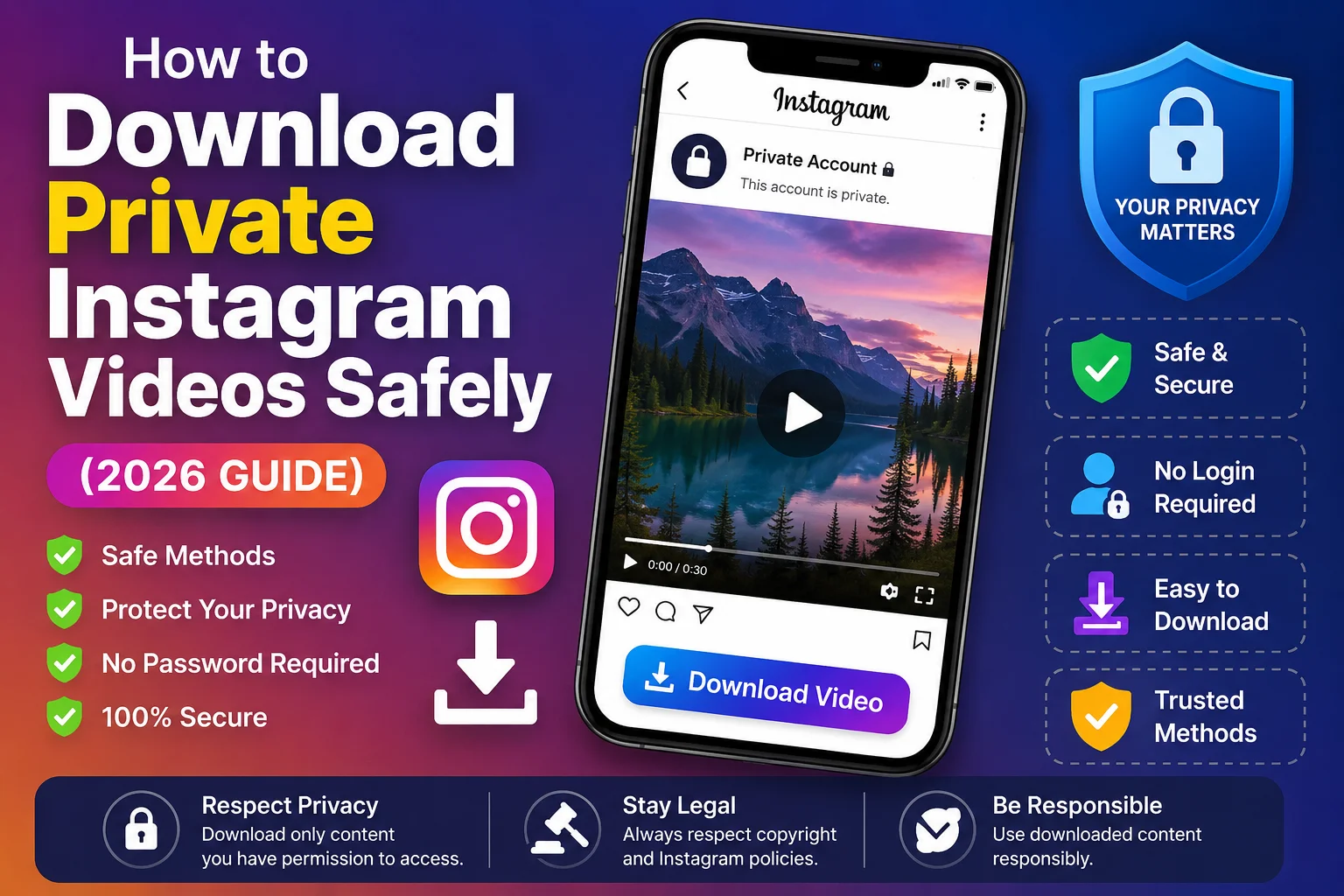
In this guide by InstaVideo.in, you will learn:
- What private Instagram videos are
- Important privacy and legal considerations
- Safe methods to save videos you have permission to access
- Security risks to avoid
- Best practices for protecting your account
This article is designed for global users and works for Android, iPhone, Windows PCs, MacBooks, and tablets.
What Are Private Instagram Videos?
Private Instagram videos are videos shared from accounts that have enabled Instagram’s Private Account setting.
This means:
- Only approved followers can view the content
- Videos are not publicly accessible
- Instagram restricts unauthorized downloads and sharing
Private videos may include:
- Instagram Reels
- Feed videos
- Stories
- Highlights
- Live video replays
Important Privacy & Legal Notice
Before downloading any private Instagram video, always remember:
You Should Only Download:
- Your own content
- Videos shared with your permission
- Content you are legally allowed to save
Downloading or redistributing private content without permission may:
- Violate Instagram policies
- Breach privacy rights
- Create copyright issues
Always respect creators and account owners.
Safe Ways to Download Private Instagram Videos
There are a few safe and legitimate methods users commonly use to save private Instagram content they are authorized to access.
Method 1: Use Instagram’s Save Feature
Instagram itself allows users to save posts internally.
Steps:
- Open Instagram
- Go to the private video post
- Tap the Save icon below the post
- Access saved content from your profile
Best For:
- Bookmarking videos safely
- Viewing content later
- Avoiding third-party tools
Limitation:
Videos remain inside Instagram and are not downloaded to your device gallery.
Method 2: Screen Recording (Safest Option)
If you have permission to keep the video offline, screen recording is often the safest option.
On Android:
- Use built-in screen recorder
- Open the private Instagram video
- Start recording
- Save video to gallery
On iPhone:
- Open Control Center
- Tap Screen Recording
- Play the Instagram video
- Stop recording after completion
Benefits:
- No password sharing
- No risky apps required
- Works on most devices
Recommended For:
- Personal offline viewing
- Educational or authorized usage
Method 3: Download Your Own Instagram Data
Instagram allows users to request and download their own account data.
Steps:
- Open Instagram Settings
- Go to Your Activity
- Select Download Your Information
- Request account data
- Receive downloadable archive
This method is fully official and secure.
Why You Should Avoid Unsafe Private Instagram Downloaders
Many websites claim to download private Instagram videos instantly. However, some may:
- Steal login credentials
- Inject malware
- Track user activity
- Compromise Instagram accounts
Warning Signs of Unsafe Tools
Avoid tools that:
- Ask for your Instagram password
- Require suspicious browser extensions
- Force app installations from unknown sources
- Show excessive popups
- Redirect repeatedly
Protecting your account security is more important than downloading a video.
Common Risks of Unsafe Instagram Downloaders
| Risk | Possible Impact |
|---|---|
| Password Theft | Instagram account hacking |
| Malware Infection | Device security issues |
| Fake Login Pages | Stolen personal information |
| Scam Ads | Financial or privacy risks |
| Account Suspension | Instagram policy violations |
Best Practices for Safe Instagram Video Downloads
Use Trusted Platforms
Only use secure and reputable tools.
Never Share Your Password
Legitimate download tools should never require your Instagram login credentials for public content.
Respect Privacy
Always get permission before saving or sharing someone else's private content.
Keep Devices Updated
Updated software helps protect against malware and security threats.
Enable Two-Factor Authentication
This adds extra protection to your Instagram account.
Can You Download Private Instagram Reels?
Private Instagram Reels can only be viewed by approved followers of the account.
If you have permission to access the reel:
- You may use screen recording
- Or save content through authorized methods
Unauthorized downloading or redistribution should always be avoided.
Can You Download Private Instagram Stories?
Yes, but only if:
- You are an approved follower
- The content owner allows it
- The download follows Instagram policies and local laws
Screen recording remains one of the safest options.
Devices Supported for Safe Instagram Video Saving
| Device | Supported |
|---|---|
| Android Phones | Yes |
| iPhone & iPad | Yes |
| Windows PC | Yes |
| MacBook | Yes |
| Tablets | Yes |
Public vs Private Instagram Videos
Understanding the difference between public and private Instagram videos is important before downloading or sharing any content.
| Feature | Public Instagram Videos | Private Instagram Videos |
|---|---|---|
| Visibility | Anyone can view the content | Only approved followers can view |
| Account Type | Public account | Private account |
| Access Permission | Open access | Requires follower approval |
| Download Availability | Easier to save using supported tools | Limited and privacy restricted |
| Privacy Level | Lower privacy restrictions | Higher privacy protection |
| Sharing Capability | Can be shared more freely | Sharing may require permission |
| Login Requirement | Often not required for viewing | Instagram login usually required |
| Best Use Case | Public creators, brands, influencers | Personal or restricted content |
Frequently Asked Questions (FAQs)
1. Is it legal to download private Instagram videos?
You should only download videos you own or have permission to save.
2. Can I download private Instagram videos without following the account?
No. Private content is restricted to approved followers.
3. Is screen recording safe?
Yes, screen recording is generally one of the safest methods for personal use.
4. Should I use websites asking for Instagram passwords?
No. Avoid sharing your Instagram credentials with unknown websites or apps.
5. Can private Instagram videos be downloaded in HD?
Video quality depends on the original upload and the method used for saving.
Tips to Protect Your Instagram Account
- Use strong passwords
- Enable two-factor authentication
- Avoid suspicious downloader websites
- Do not install unknown APK files
- Keep Instagram updated regularly
Account security should always come first.
Final Thoughts
Downloading private Instagram videos safely requires both caution and respect for privacy. Always use secure methods, avoid suspicious tools, and only save content you are authorized to access.
At InstaVideo.in, we recommend responsible and safe usage practices while helping users understand Instagram video downloading methods, privacy protection, and account security.
Whether you are saving personal memories, educational content, or authorized media, following safe practices ensures a better and more secure Instagram experience worldwide.









