How to Hide Likes on Instagram Easily
Instagram has become one of the world’s most influential social media platforms, connecting billions of users through photos, videos, stories, and reels. As the platform continues to evolve, Instagram has introduced several privacy-focused features designed to improve the user experience and reduce social pressure. One of the most talked-about features is the ability to hide likes on Instagram posts.
For many users, visible like counts can create unnecessary pressure, competition, anxiety, and distraction. Whether you are a content creator, business owner, influencer, student, or casual social media user, hiding likes can help you focus more on meaningful engagement rather than vanity metrics.
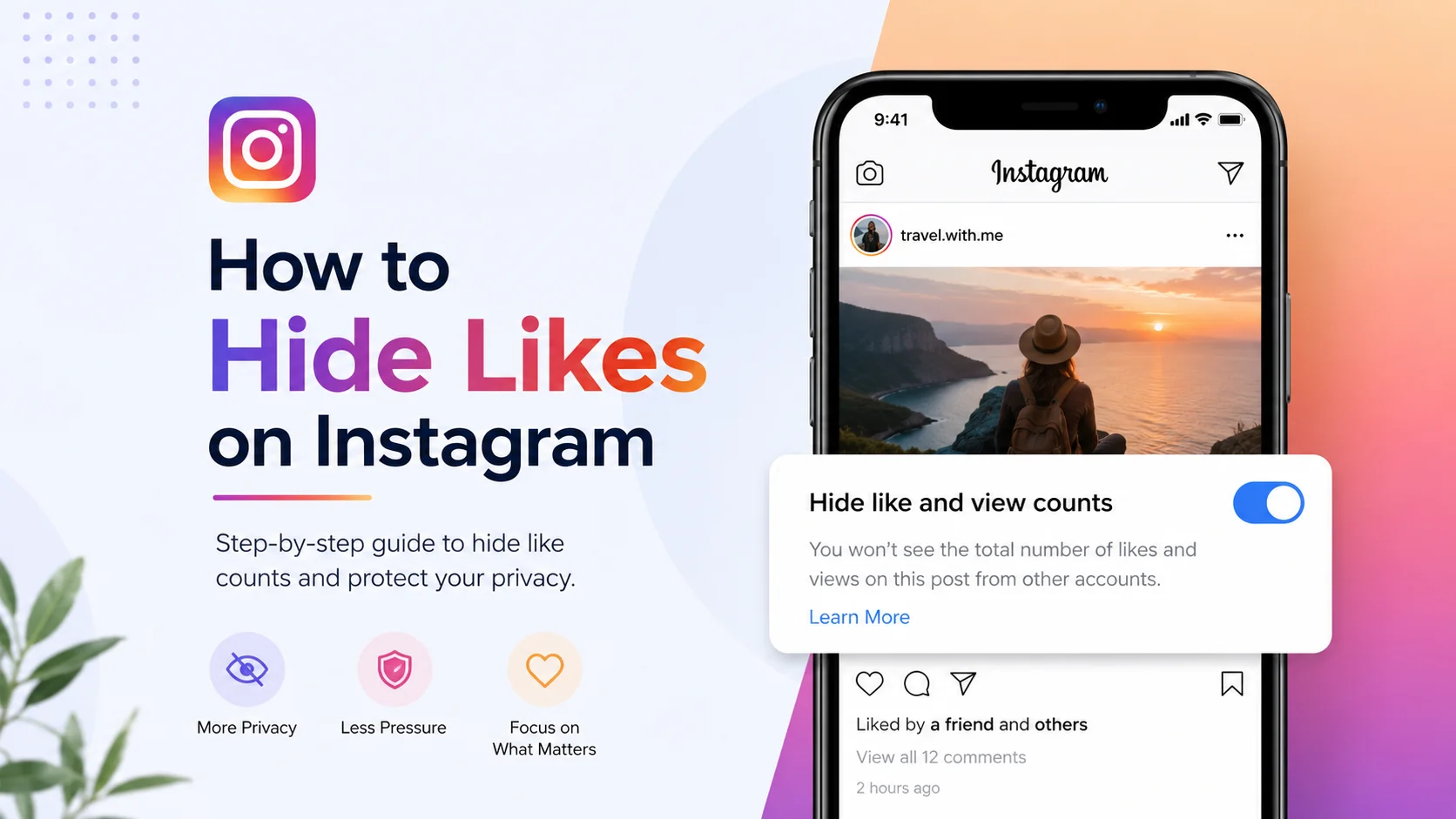
This detailed guide explains everything you need to know about how to hide likes on Instagram, including why it matters, how it works, key benefits, step-by-step instructions, practical examples, mistakes to avoid, and advanced optimization strategies. If you want to improve your Instagram experience while maintaining greater privacy and control, this article will help you understand the process completely.
What Is Hiding Likes on Instagram?
Hiding likes on Instagram is a privacy and content-control feature that allows users to stop displaying the number of likes received on posts and reels. Instagram introduced this feature to reduce social comparison and give users more flexibility in how they interact with content on the platform.
Normally, Instagram displays public engagement numbers beneath posts. Anyone viewing a post can see how many users liked the content. With the hidden likes feature enabled, the exact number of likes becomes invisible to others, although the content creator can still access engagement insights privately.
Users can choose to:
-
Hide likes on their own posts
-
Hide likes on posts from others
-
Hide likes before publishing content
-
Hide likes after posting content
This flexibility allows users to customize their Instagram experience based on personal preferences and mental well-being.
Example of Hidden Likes
Instead of displaying:
“12,548 likes”
Instagram may show:
“Liked by username and others”
This small change significantly reduces emphasis on public popularity metrics.
Why Hiding Likes on Instagram Matters
Social media engagement metrics heavily influence user behavior online. Many people compare themselves with influencers, celebrities, brands, or even friends based on likes and followers. This constant comparison can negatively impact mental health, confidence, and creativity.
Instagram introduced the hidden likes feature after growing discussions around digital wellness and the psychological effects of social validation. By hiding like counts, users can focus more on content quality, communication, storytelling, and creativity.
Hiding likes matters for several important reasons:
Reduces Social Pressure
Many users feel pressure to achieve high engagement numbers. Hidden likes reduce anxiety associated with public performance.
Encourages Authentic Posting
Users may feel more comfortable sharing genuine content instead of posting only what they believe will attract maximum likes.
Improves Mental Well-Being
Research and discussions surrounding social media usage often connect visible engagement metrics with stress, comparison, and self-esteem issues.
Supports Content Experimentation
Creators can test new content styles without worrying about visible engagement numbers affecting audience perception.
Creates a Healthier User Experience
The platform becomes more focused on conversations, creativity, and community rather than competition.
How Hiding Likes on Instagram Works
Instagram provides multiple settings that allow users to manage like visibility. The system works independently for personal posts and for content appearing in users’ feeds.
When hidden likes are enabled:
-
Other users cannot see the total number of likes on your posts
-
You can still view your own engagement metrics privately
-
The feature can be enabled before or after publishing posts
-
Users can hide likes on content from others in their feed
Instagram does not remove likes entirely. Instead, it hides the public display of the count.
Platforms That Support the Feature
The hidden likes option is available across:
|
Platform |
Supported |
|
Instagram Android App |
Yes |
|
Instagram iPhone App |
Yes |
|
Instagram Web Version |
Limited |
|
Instagram Lite |
Depends on version |
Key Features of Instagram’s Hidden Likes Option
Instagram’s privacy settings include several useful features related to engagement visibility. These options provide flexibility for both casual users and professional creators.
Hide Likes Before Publishing
Users can disable like counts before posting new content.
Hide Likes After Posting
The setting can also be changed later for already published posts.
Hide Likes on Other Accounts
Instagram allows users to stop seeing like counts on posts from people they follow.
Private Engagement Insights
Even if likes are hidden publicly, account owners can still access insights and analytics.
Compatible With Reels and Feed Posts
The feature supports multiple content formats across the platform.
Benefits and Advantages of Hiding Likes on Instagram
The hidden likes feature offers several personal, psychological, and strategic advantages. While not every user chooses to enable it, many people find it beneficial for improving their overall Instagram experience.
Better Mental Health
Reducing public validation metrics can lower stress and social anxiety.
Increased Creative Freedom
Creators often feel freer to experiment with different formats and ideas.
Improved Focus on Content Quality
Users may pay more attention to storytelling, visuals, captions, and value instead of engagement numbers.
Reduced Audience Bias
Sometimes users engage more with posts that already have high likes. Hidden counts can create a more neutral viewing experience.
Professional Branding Benefits
Businesses and creators can prioritize meaningful engagement and branding over vanity metrics.
Real-World Example of Hidden Likes Usage
Imagine a small travel creator starting an Instagram account. Initially, the creator worries about receiving low engagement compared to larger influencers. This pressure discourages consistent posting.
After enabling hidden likes:
-
The creator focuses more on storytelling
-
Content quality improves
-
Audience engagement becomes more genuine
-
Posting consistency increases
-
Anxiety around public metrics decreases
Over time, the creator builds a loyal community based on valuable content rather than visible popularity.
This example demonstrates how hidden likes can positively influence user confidence and creativity.
Recommended Usage Guidelines
Using the hidden likes feature strategically can improve both user experience and content performance. However, users should understand when and how to apply the feature effectively.
Best Practices for Hiding Likes
-
Use hidden likes if engagement numbers affect confidence
-
Focus on audience interaction instead of vanity metrics
-
Continue monitoring analytics privately
-
Test different content styles without fear of public comparison
-
Combine hidden likes with healthy social media habits
When Businesses Should Still Track Analytics
Even if likes are hidden publicly, businesses should continue monitoring:
|
Metric |
Importance |
|
Reach |
Measures visibility |
|
Saves |
Indicates content value |
|
Shares |
Shows audience interest |
|
Comments |
Reflects engagement quality |
|
Watch Time |
Important for reels |
Common Mistakes to Avoid
Although hiding likes can improve the Instagram experience, users sometimes misunderstand how the feature works.
Ignoring Analytics Completely
Hidden likes should not prevent creators or businesses from tracking performance internally.
Expecting Automatic Growth
The feature improves privacy and comfort but does not directly increase followers or engagement.
Constantly Switching Settings
Frequent changes may create inconsistency in content presentation.
Posting Low-Quality Content
Hiding likes does not replace the need for valuable, engaging, and high-quality posts.
Comparing Engagement Secretly
Some users continue obsessively checking private insights, defeating the purpose of reduced pressure.
Who Should Use This Tool?
Instagram’s hidden likes feature can benefit many different user groups.
Casual Users
People who want a healthier social media experience often prefer hiding engagement counts.
Teenagers and Students
Younger users may feel reduced pressure from online comparison.
Content Creators
Creators experimenting with new styles can post more confidently.
Brands and Businesses
Businesses focused on authentic engagement may benefit strategically.
Mental Health Advocates
Users promoting digital wellness often support reduced focus on vanity metrics.
Step-by-Step Guide to Hiding Likes on Instagram
Instagram makes it relatively easy to manage like visibility through account settings and post settings.
How to Hide Likes on Existing Posts
-
Open Instagram
-
Go to your profile
-
Select the post
-
Tap the three-dot menu
-
Choose “Hide Like Count”
How to Hide Likes Before Posting
-
Create a new post
-
Reach the final publishing screen
-
Tap “Advanced Settings”
-
Enable “Hide like and view counts on this post”
-
Publish the content
How to Hide Likes on Others’ Posts
-
Open Instagram settings
-
Tap “Privacy”
-
Select “Posts”
-
Enable “Hide Like and View Counts”
Long-Tail Keyword Applications
Long-tail keywords help improve SEO visibility while targeting specific user searches. Including natural keyword variations improves discoverability in search engines.
Important Long-Tail Keywords
-
how to hide likes on Instagram posts
-
hide Instagram likes on iPhone
-
how to remove likes count on Instagram
-
hide likes on Instagram reels
-
Instagram hidden likes feature explained
-
how to disable likes on Instagram
-
can you hide likes on Instagram
-
hide likes on Instagram after posting
Example SEO Usage
Instead of repeatedly using one keyword, natural variations improve readability:
“Users searching for how to hide likes on Instagram reels can use the same settings available for feed posts.”
Data Analysis and Performance Insights
Although public likes may be hidden, engagement analysis remains important for creators and businesses.
Instagram Engagement Statistics Table
|
Social Media Metric |
Estimated Influence on Performance |
|
Likes |
Medium |
|
Comments |
High |
|
Shares |
Very High |
|
Saves |
Very High |
|
Watch Time |
High |
|
Profile Visits |
Medium |
Graph-Style Content Performance Table
|
Content Strategy |
Before Hidden Likes |
After Hidden Likes |
|
Posting Consistency |
Moderate |
High |
|
Creative Experimentation |
Low |
Increased |
|
Audience Anxiety |
High |
Reduced |
|
Focus on Content Quality |
Medium |
High |
|
Meaningful Engagement |
Moderate |
Improved |
This table illustrates how hidden likes may positively influence user behavior and content strategy.
Comparison Table: Visible Likes vs Hidden Likes
Choosing between visible and hidden likes depends on user goals and preferences.
|
Feature |
Visible Likes |
Hidden Likes |
|
Public Engagement Display |
Yes |
No |
|
Reduced Social Pressure |
No |
Yes |
|
Audience Bias |
Higher |
Lower |
|
Privacy Level |
Moderate |
Higher |
|
Focus on Creativity |
Moderate |
Higher |
|
Access to Insights |
Yes |
Yes |
Conclusion
Instagram’s hidden likes feature represents a significant shift toward healthier and more personalized social media experiences. Instead of emphasizing public popularity metrics, the feature encourages users to focus on creativity, storytelling, meaningful interactions, and personal expression.
Whether you are an influencer, brand, student, entrepreneur, or casual user, hiding likes can help reduce unnecessary social pressure while improving your relationship with social media. The feature offers flexibility, privacy, and greater control over how content is experienced online.
As digital wellness becomes increasingly important, features like hidden likes may continue shaping the future of social media platforms worldwide.
Strong Call-to-Action
Ready to create a healthier and more authentic Instagram experience?
Open your Instagram settings today and explore the hidden likes feature. Whether you want greater privacy, reduced pressure, or improved creative freedom, hiding likes can help you take control of your social media journey while focusing on what truly matters—valuable content and genuine engagement.









